01
Structured menu navigation
Create categories and subcategories so guests can move from sections to specific items without hunting through a flat PDF.
GoDigital gives restaurants, cafes, bakeries, home kitchens, food trucks, and food businesses a QR-ready public menu that customers can browse, customize, and send through WhatsApp from any phone.
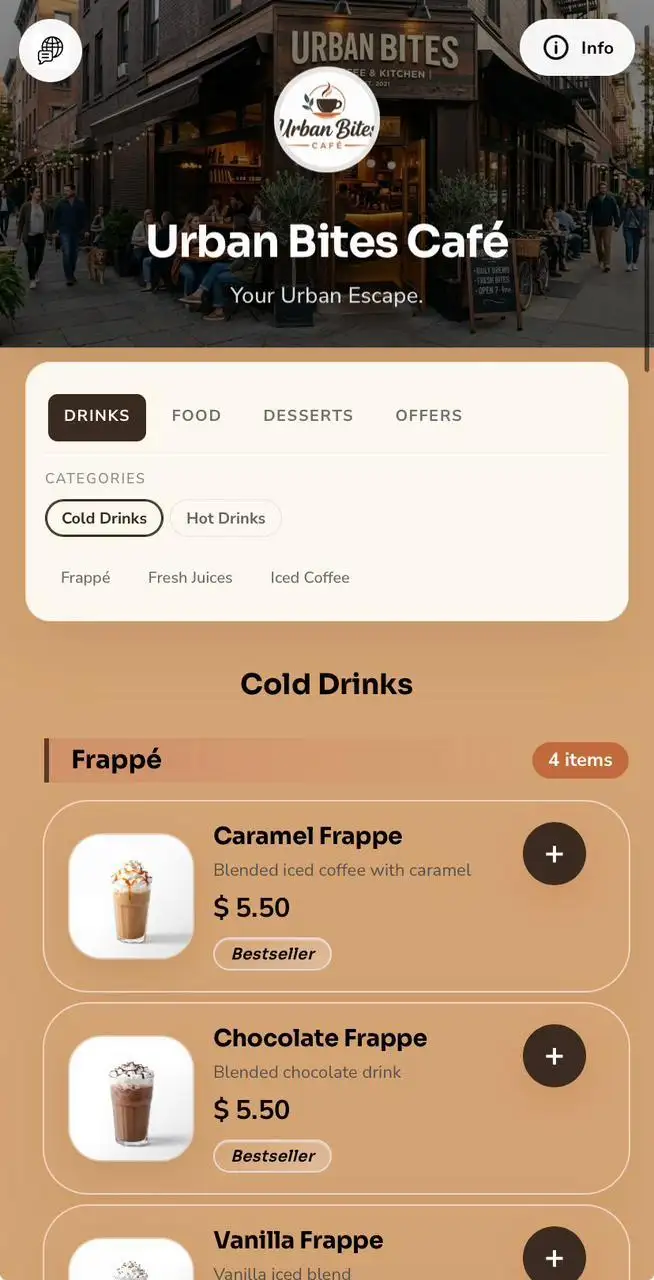
Static menus go out of date the moment prices, availability, photos, or branches change. GoDigital keeps the public menu live, organized, branded, and ready for ordering.
GoDigital is built around the details food businesses manage every day: menu structure, item information, customer choices, checkout modes, and quick updates from the dashboard.
Create categories and subcategories so guests can move from sections to specific items without hunting through a flat PDF.
Show item images, descriptions, prices, measurement units, tags, ingredients, and availability status where your menu needs them.
Support item customization such as sizes, flavors, choices, quantity-limited addons, notes, and price adjustments before checkout.
Use English plus another language for menu names and descriptions across items, categories, ingredients, addons, and option choices.
Guests build a cart, choose their service mode, review totals and fees, then send the order summary through WhatsApp.
Enable delivery, pickup, dine-in, and drive-through flows, with optional checkout notices and extra fees such as delivery or service charges.
These previews show how GoDigital can adapt the public menu experience for restaurants, cafes, bakeries, food trucks, home-based or any food businesse.
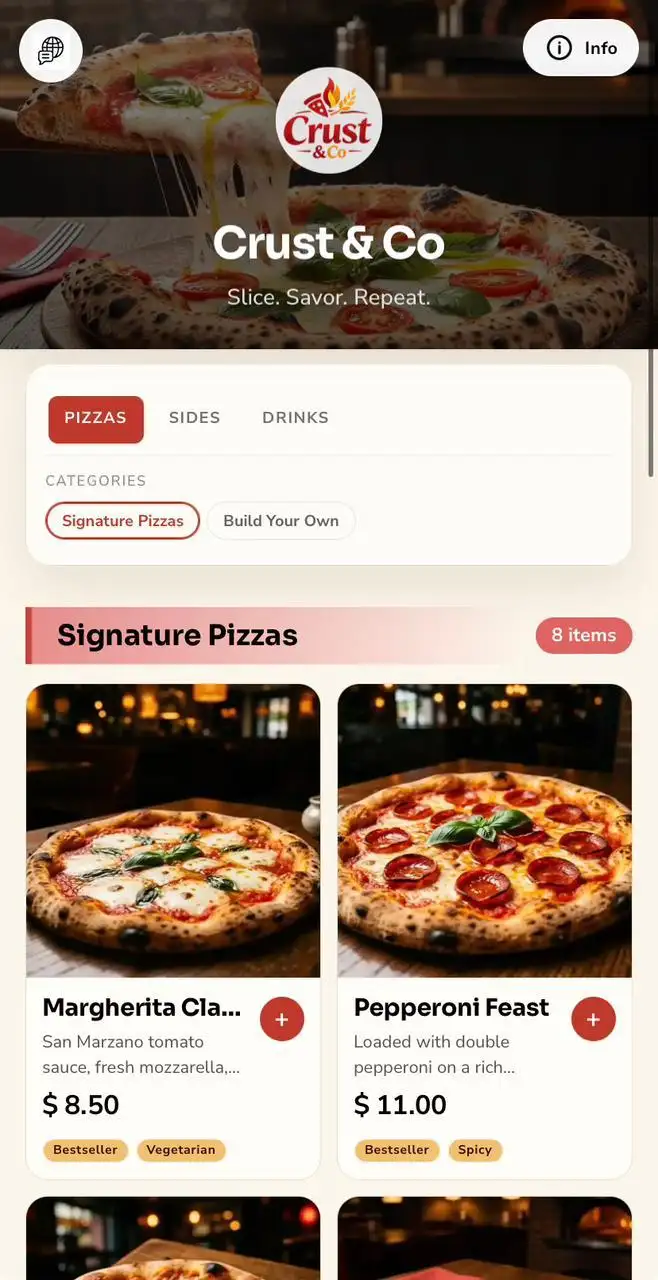

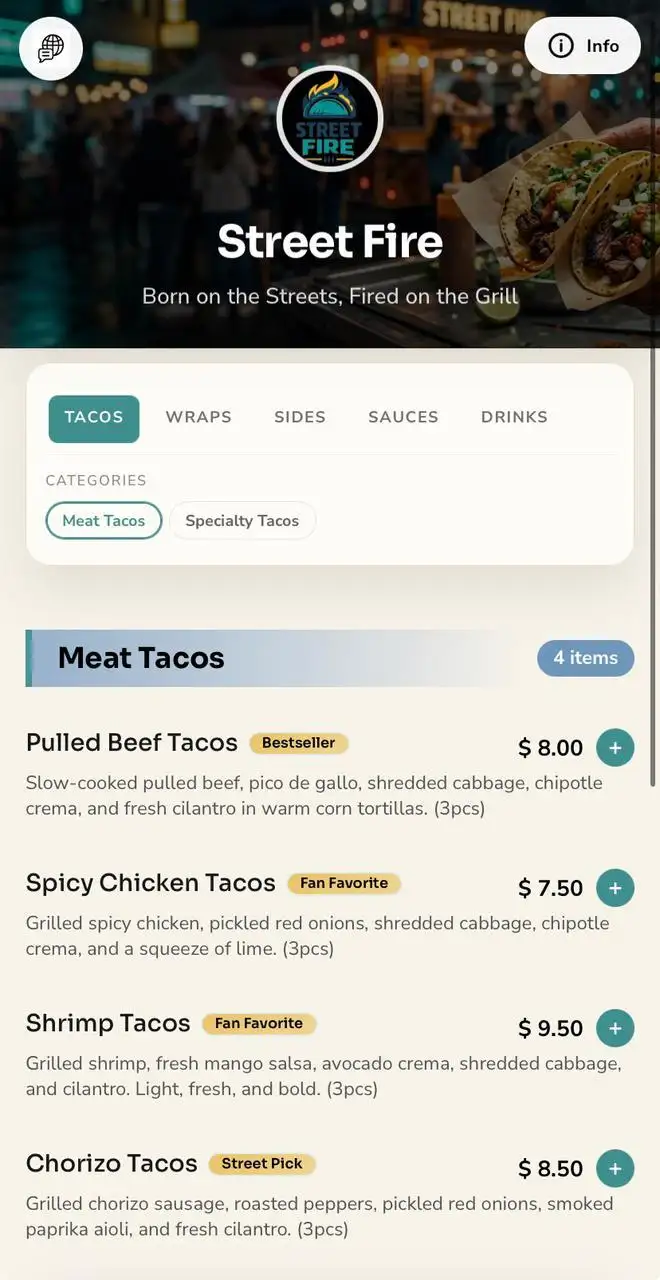
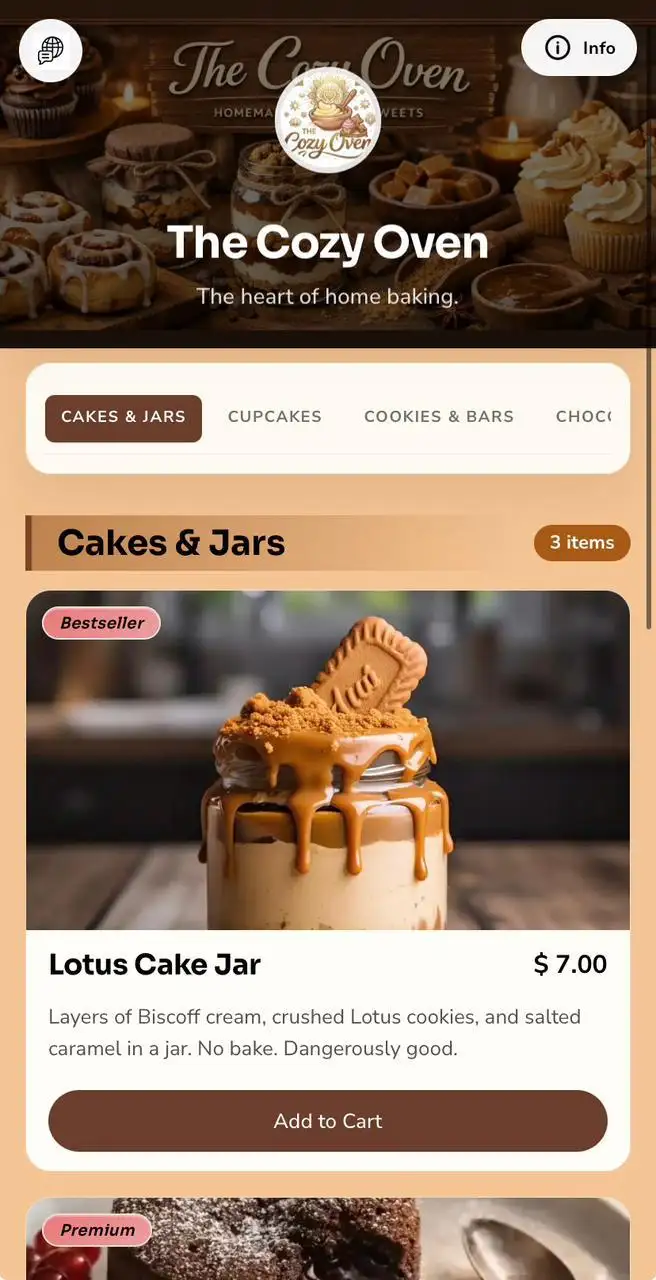
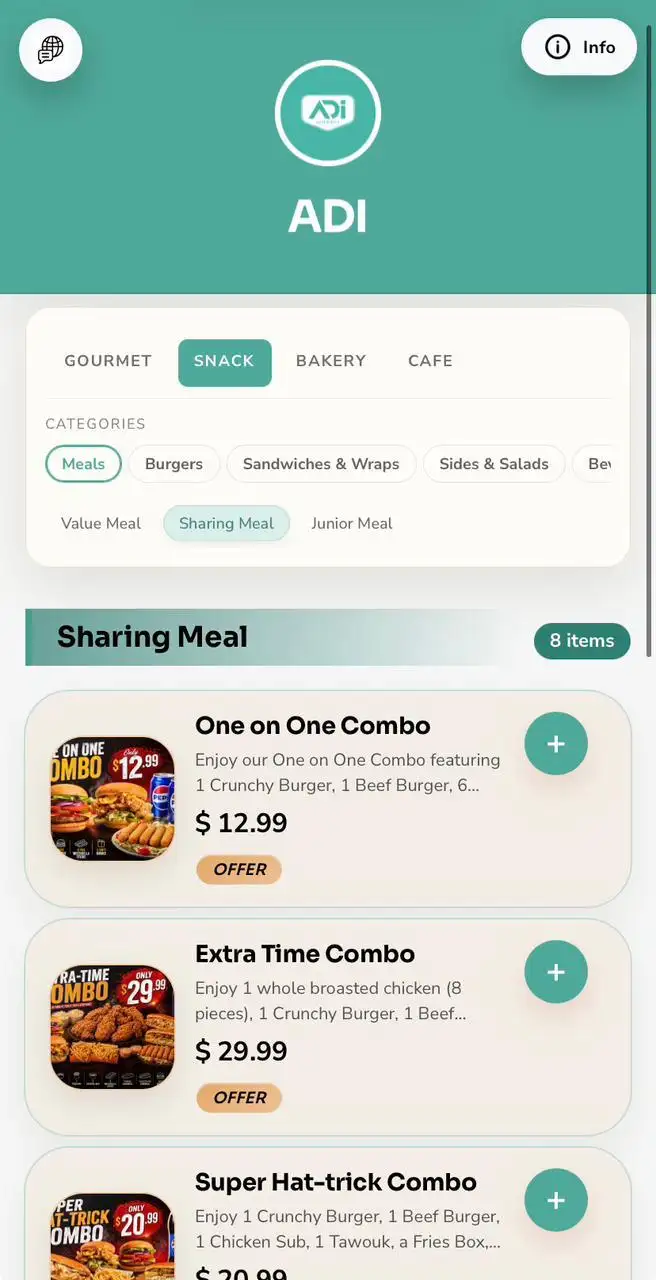
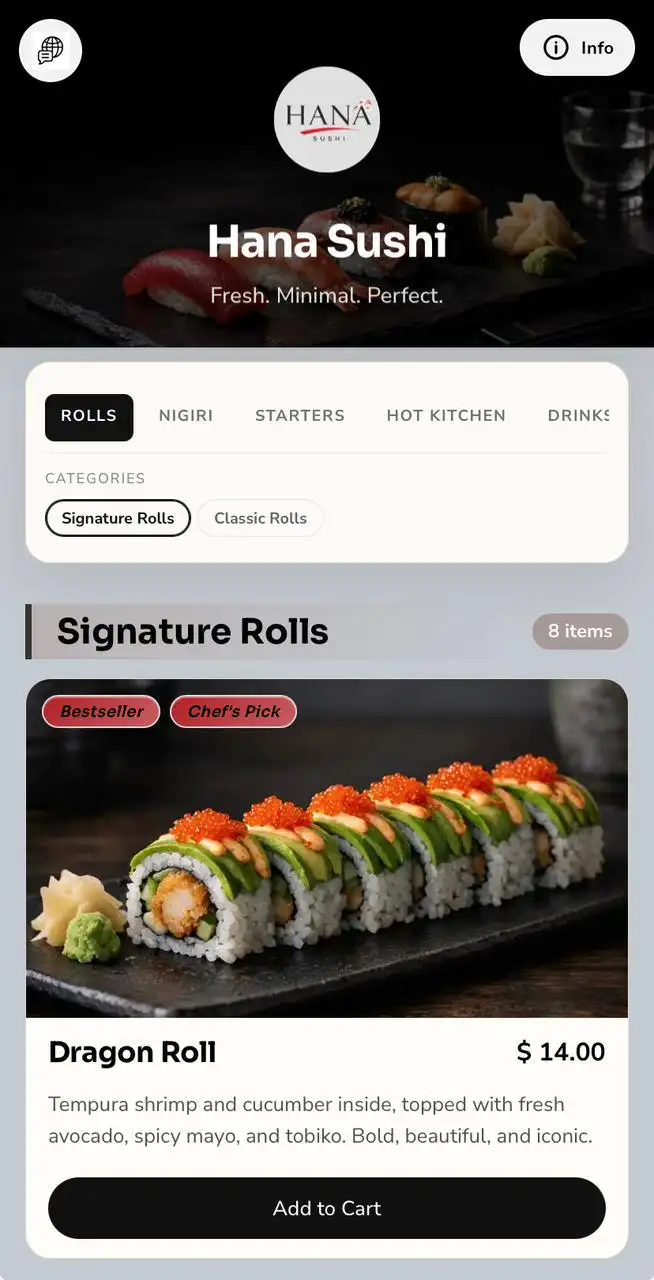
Manage restaurant details, opening hours, categories, items, images, options, and ordering settings from a clean dashboard built on Filament.
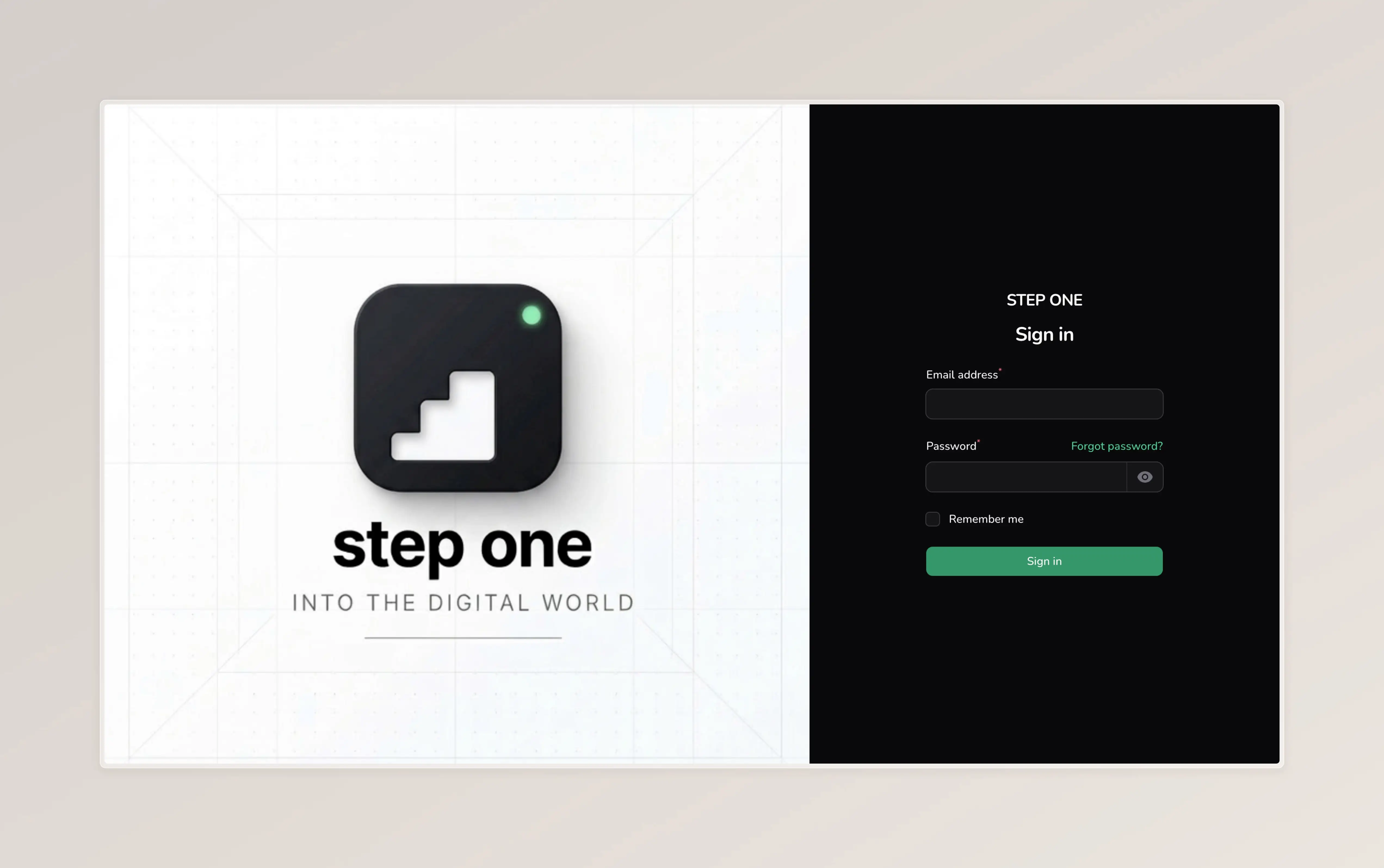
A clean entry point for restaurant teams managing their digital menu.
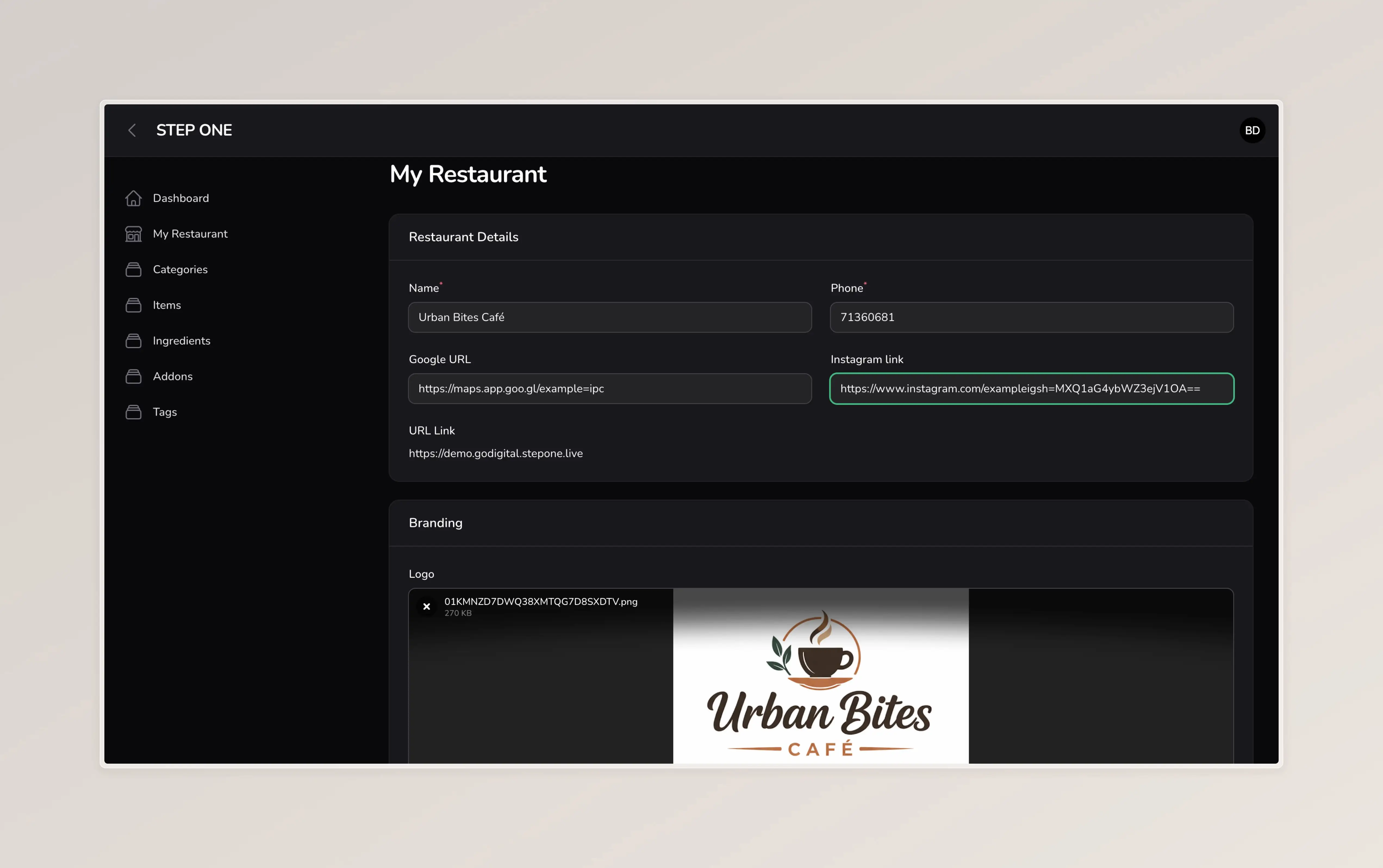
Update branding, links, phone number, currency, checkout notices, and public menu URL.
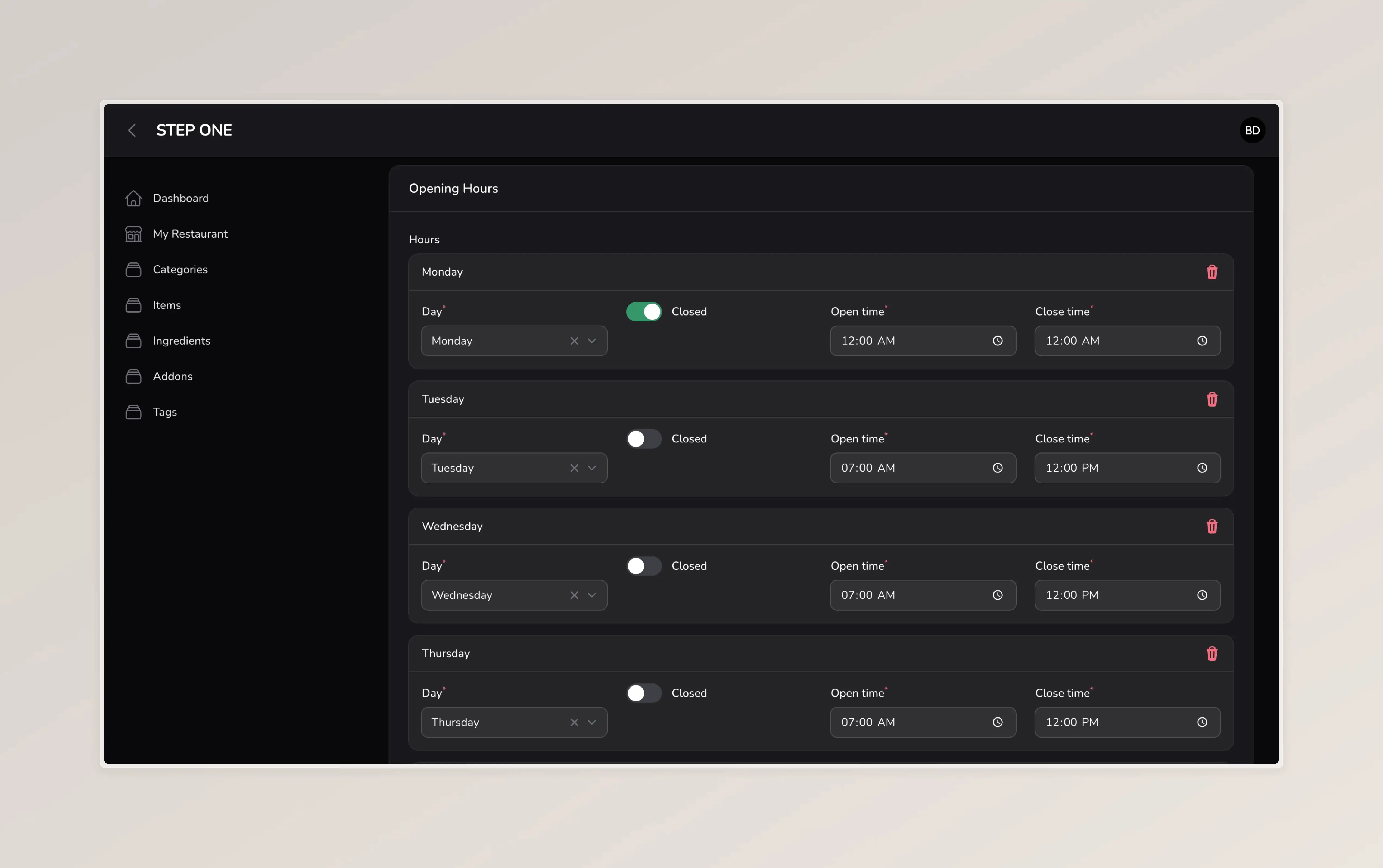
Keep availability clear for guests checking your menu before they order.
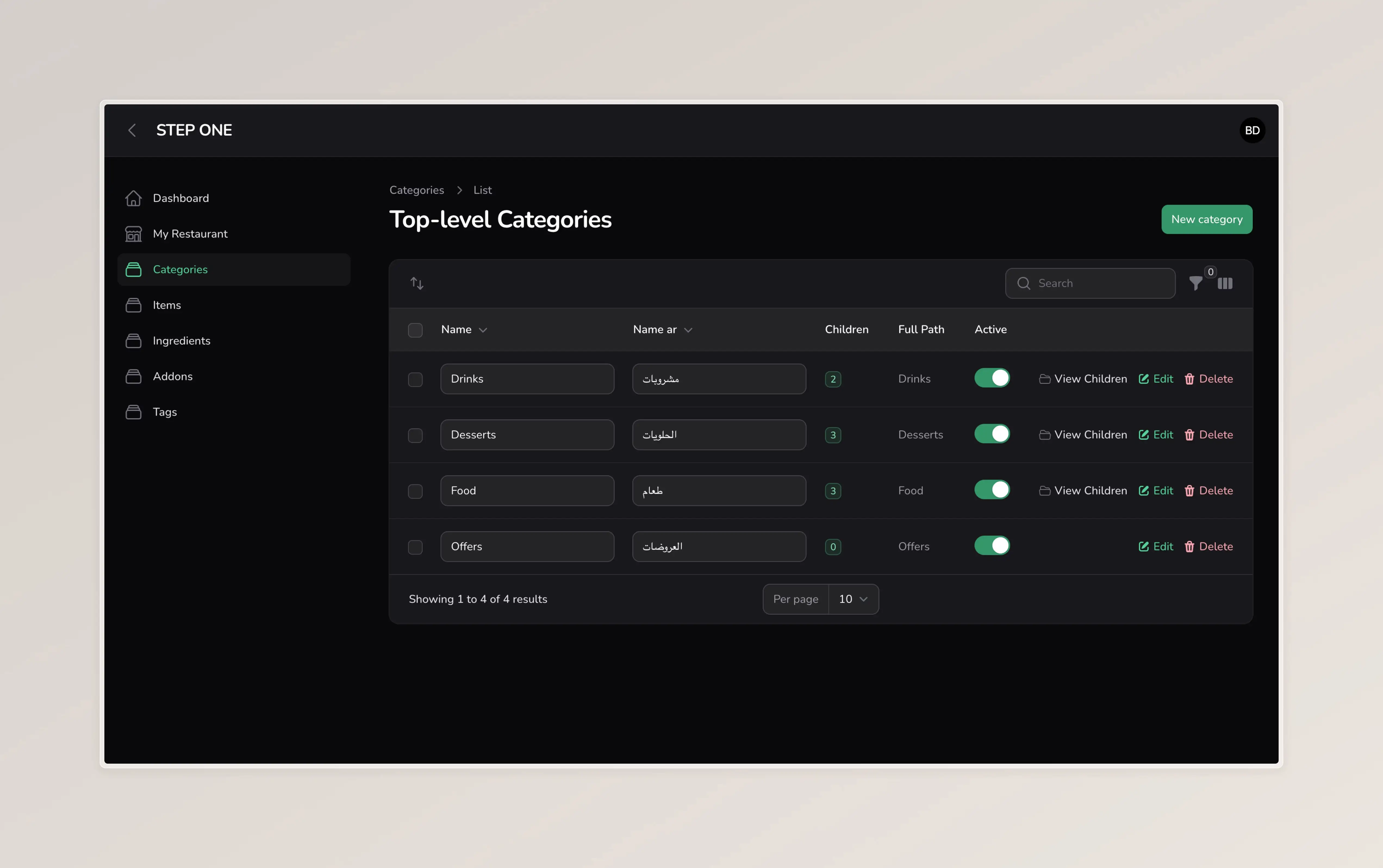
Build a menu hierarchy that helps guests browse by section, type, or collection.
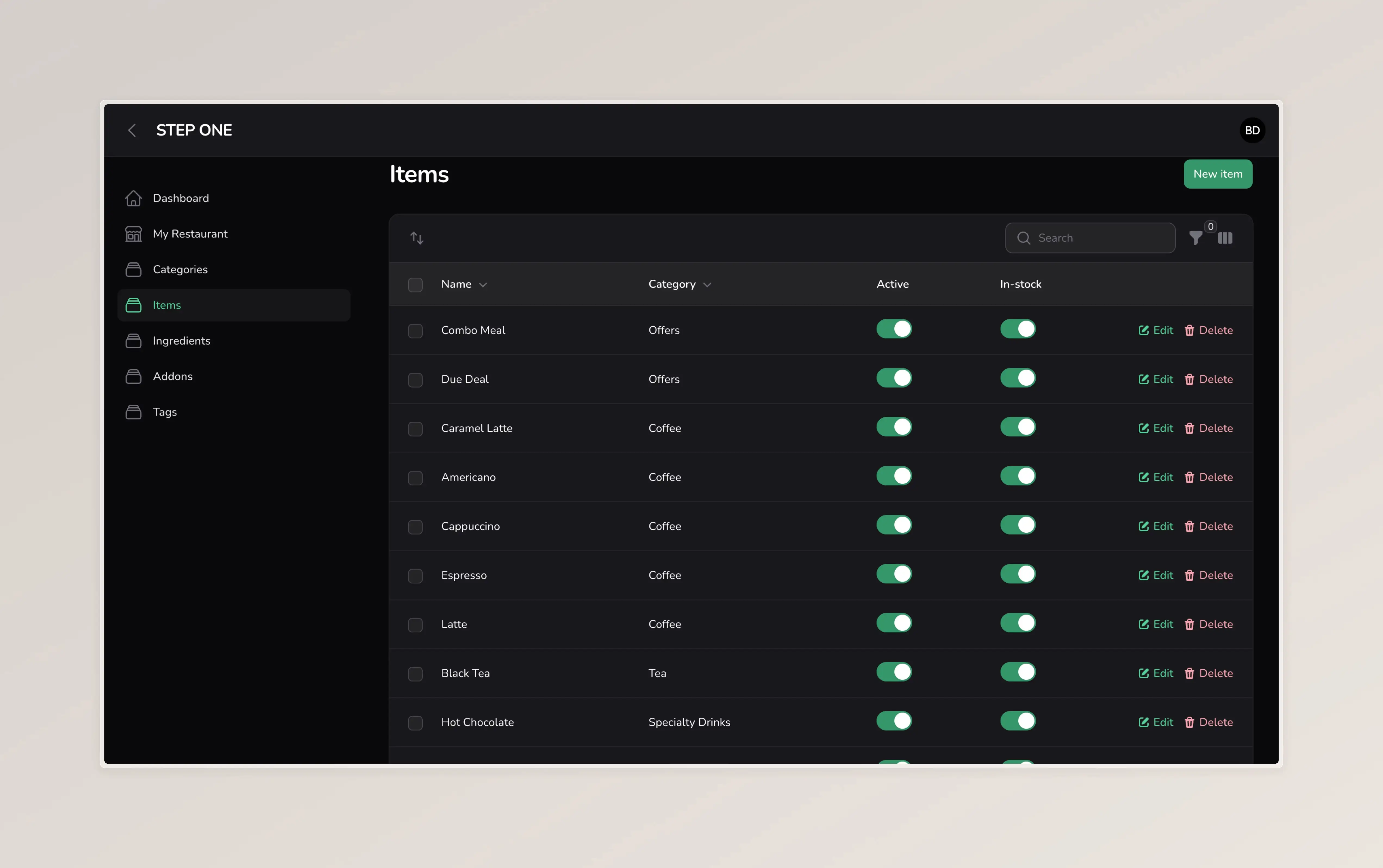
Add new dishes, adjust prices, mark items unavailable, and keep the menu fresh.
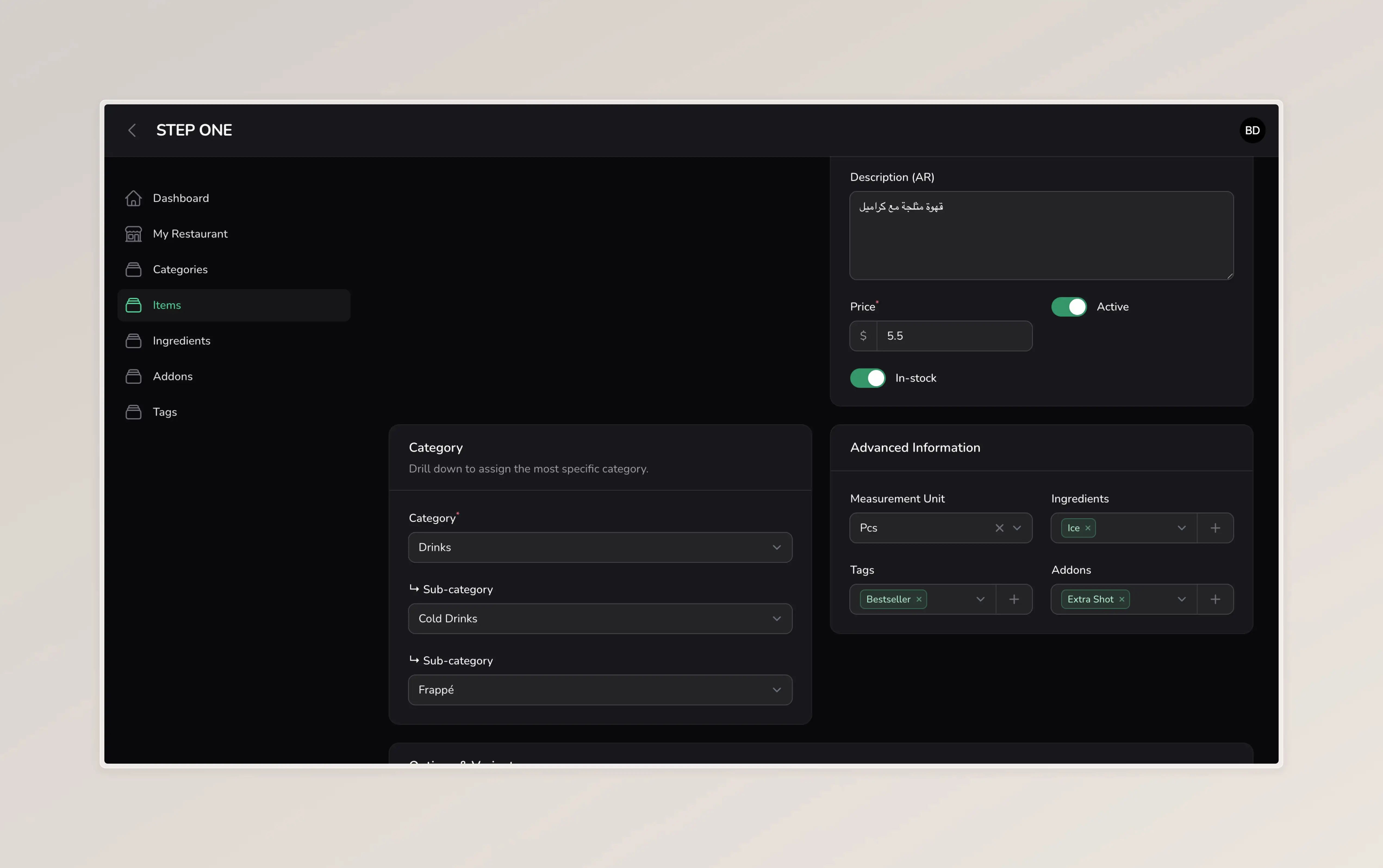
Manage item descriptions, bilingual fields, ingredients, tags, addons, and status.
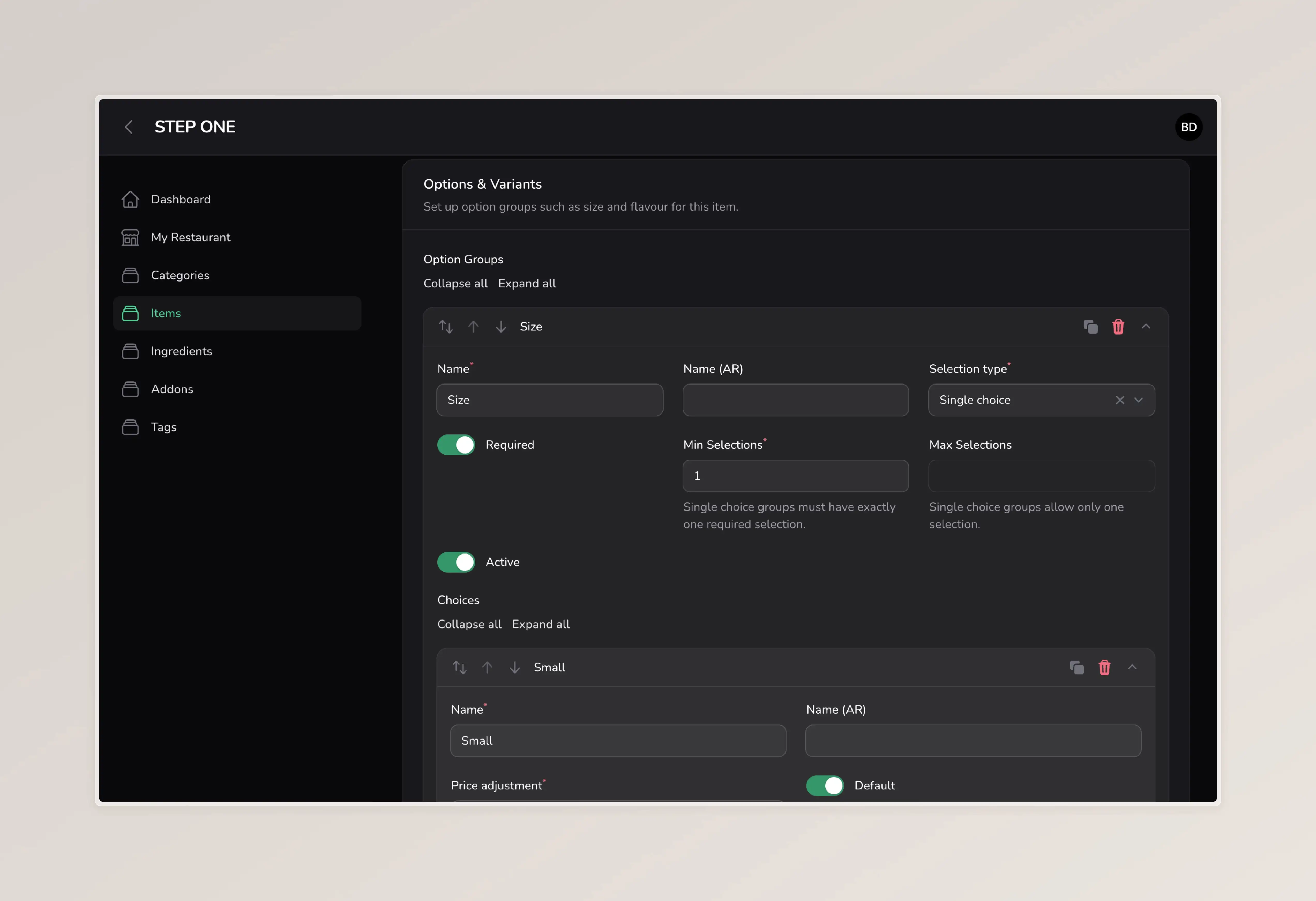
Create required or optional choices with price adjustments for custom ordering.
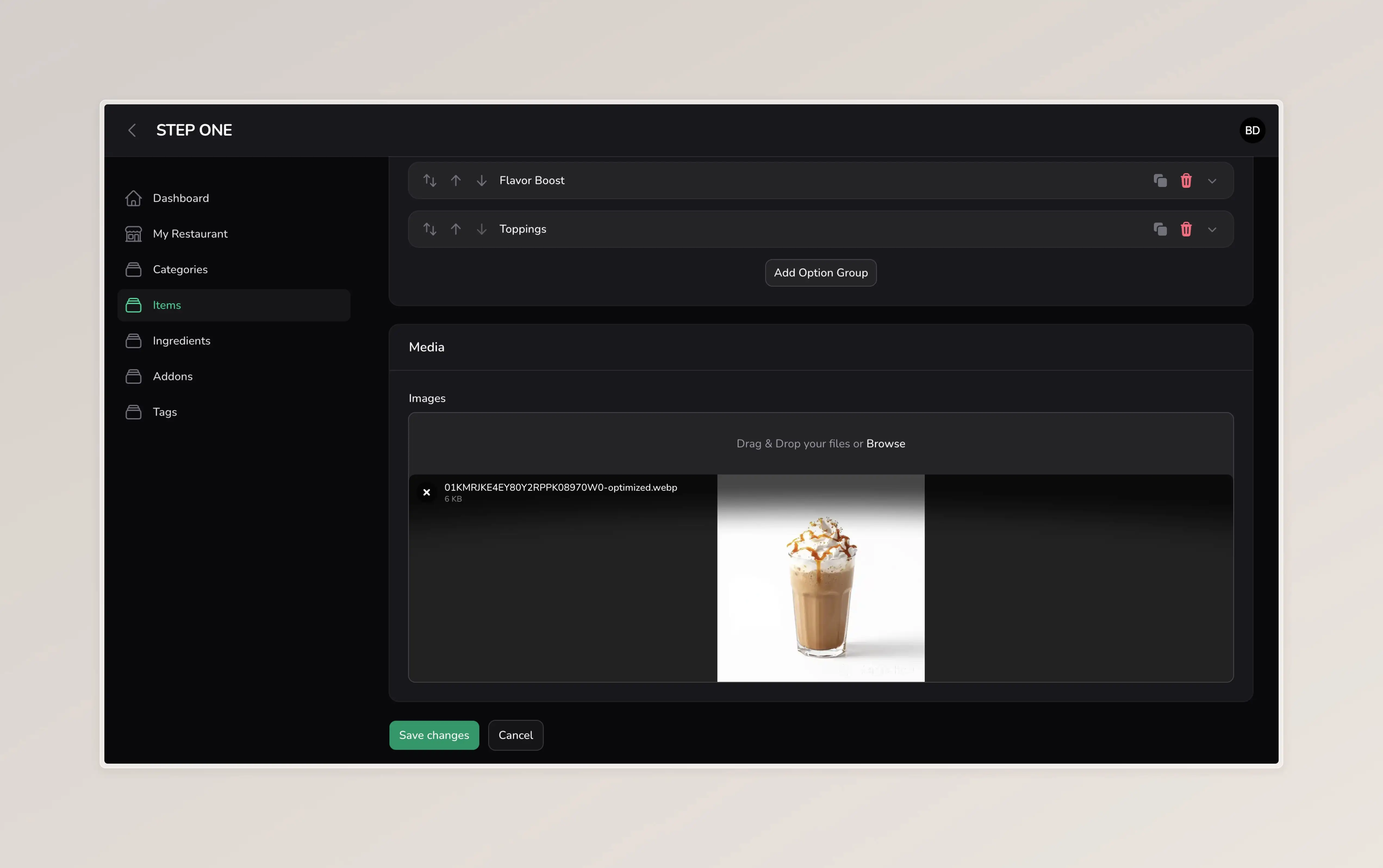
Upload item photos so the menu feels visual, premium, and easy to understand.
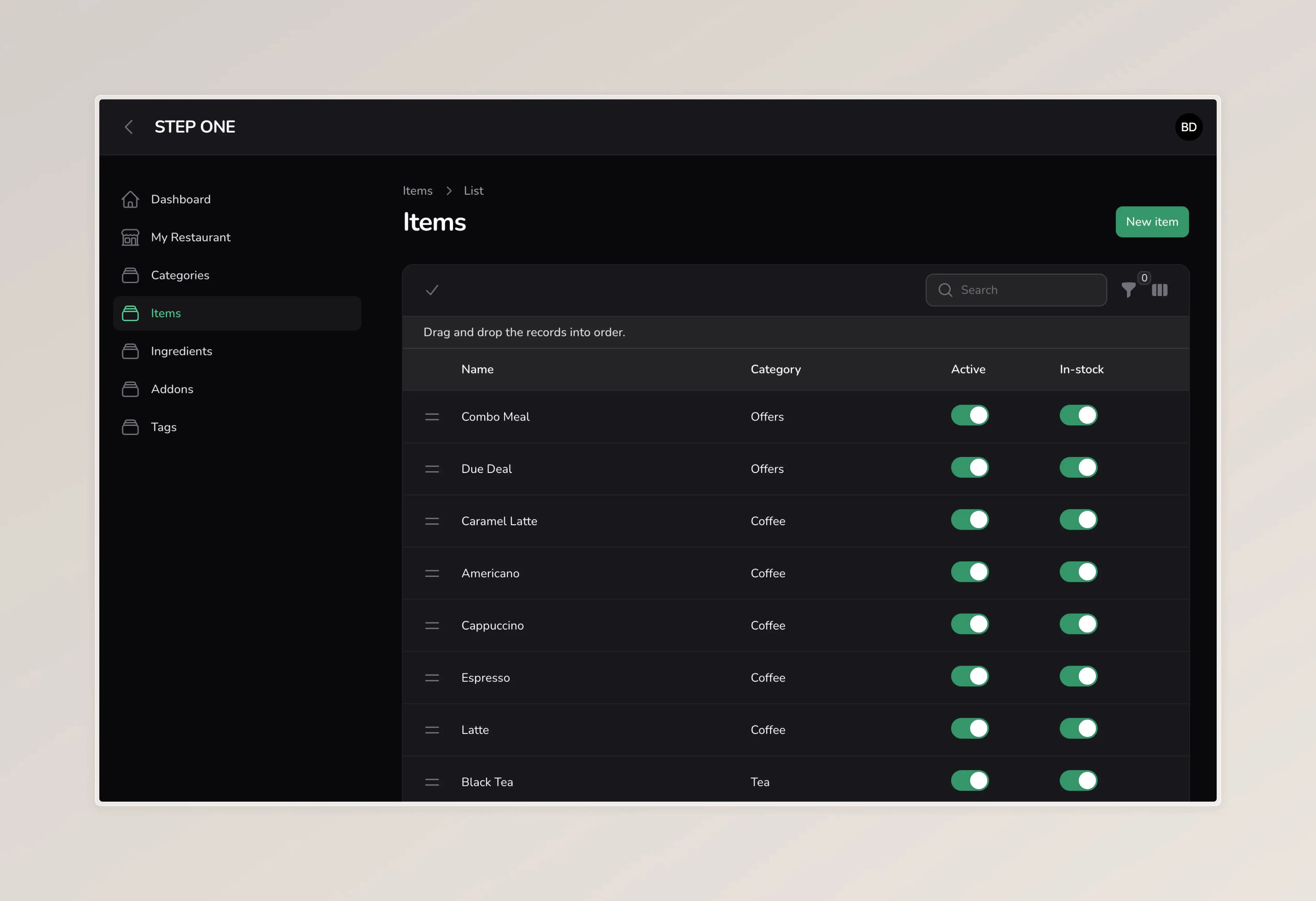
Control item sequence and place important dishes where customers will see them first.
We organize your categories, items, prices, descriptions, options, images, and service modes.
Your branding, template, colors, logo, banner, menu link, and WhatsApp details are configured.
Place the QR code on tables, packaging, counters, socials, or delivery inserts.
Use the dashboard for menu changes without reprinting, resending, or redesigning PDFs.
Choose the billing cycle that fits your business. All plans include setup, hosting, maintenance, dashboard access, and QR-ready public menu access.
$20 billed monthly
$90 billed every 6 months
$150 billed yearly
No. The menu opens in the browser from a QR code or public link.
Yes. The system includes English plus another language for key menu content where bilingual data is entered.
It can. You can still print QR cards, but the content stays digital and can be updated from the dashboard.
Guests review their cart, fill the checkout info, and the order lands on the bussinesse's whatsapp number